

Introducing Zhuzhfinance Lite
A cash flow planner and money journal for iOS and Android. One-time purchase, with journals stored locally on your device.
 Zhuzhfinance Lite
Financial planning is simple and fun. That is the idea behind Zhuzhfinance: a simple guide to plan your money and keep a journal of how you actually view your money.
You don't need to learn a new system or get someone else's template. Start with how you view money, your accounts, the things you spend on and the goals you are working towards. Lite brings those pieces together, from your monthly plan to the entries you record along the way.
Cash flow plans
- iOS
- Android
A month is easier to follow when your income and outgoings are in the same picture. In Plan, you can set amounts for income, expenses, savings, investments and debt payments and clearly distinguish between each.
As you record transactions, your actual amounts sit beside the plan. You can see what has come in, what has gone out and where the month is turning out differently. The plan itself does not move money or create transactions; it gives your journal something to compare against.
Accounts and assets
- iOS
- Android
Your money might be in a current account, a savings account or a cash wallet. Portfolio brings those balances together with the assets you want to keep track of, so your financial picture is not scattered across different places.
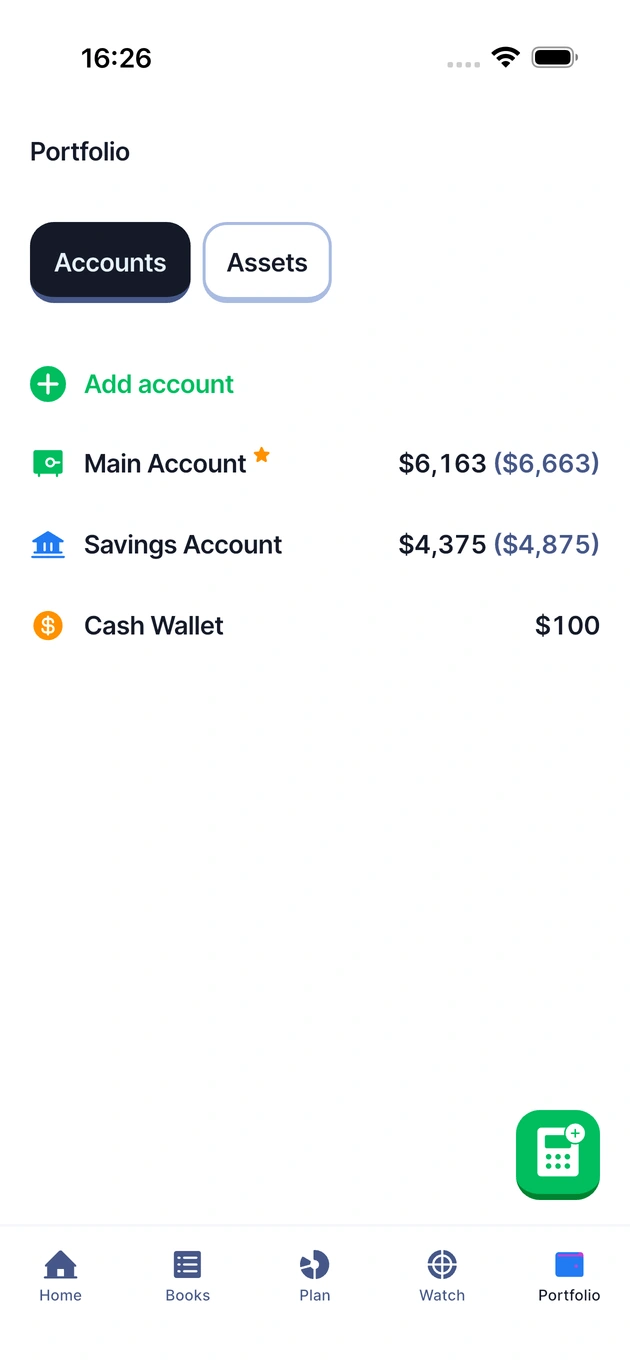
Give accounts and assets names that make sense to you, and begin with the balances and values you already have. There is no bank connection to set up. As you keep your journal current, you can return to Portfolio to review the picture.
Money journal
- iOS
- Android
A total tells you where you are. A money journal helps you remember how you got there. Books brings your income, expenses and other money movements into a dated history, with room for a note when a number needs a little context.
Record the transaction against the relevant account, fund, debt or asset, then review your entries by period and type. Whether it is salary arriving or the week's groceries, each entry becomes part of the same story.
Funds and debts
- iOS
- Android
Some money is already spoken for, even while it is still in your account. Funds give those amounts a purpose, from emergency savings to a holiday or your next big purchase. Link a fund to an account, set a target and follow the amount saved.
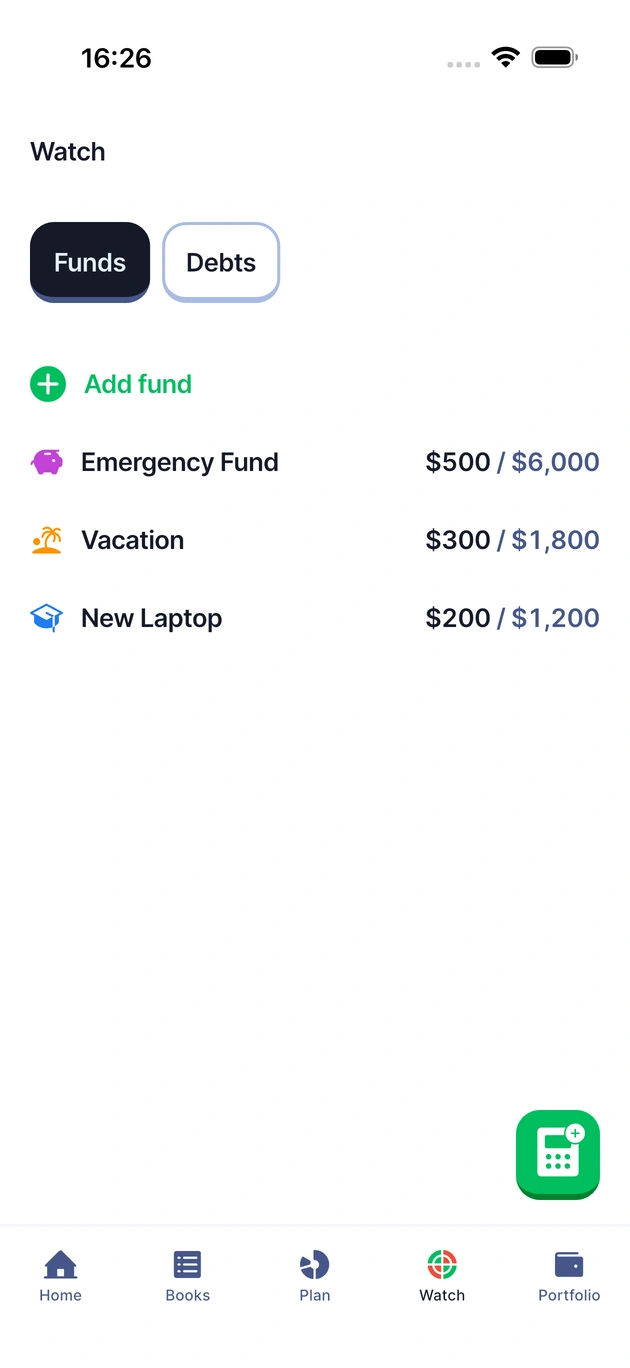
Debts are also stored in Watch, where you can track what you currently owe and add an optional monthly payment. You can also keep the original debt amount and annual interest rate so Zhuzh automatically calculates the interest and updates the amount owed accurately.
Repayments also connect to your monthly plan and money journal. Plan holds the amount you expect to pay; Books records the payments you actually make, linked to the paying account and the relevant debt. That keeps repayments alongside your other outgoings, without treating a planned payment as one you have already made.
Local journals and backups
- iOS
- Android
Lite keeps your journal locally on your device, without automatically syncing it to Lite on your other devices.
You can also export your Zhuzh journal to get a synced sheet version, giving you a spreadsheet view of your journal alongside the app.
Settings includes backups so you can keep a copy of that journal. Before changing devices, uninstalling the app or deleting its data, make a backup and keep it outside the app.